How to Make Photos Look Like a 90s Camera
Use a hard frontal flash, warm and slightly faded colour, coarse grain, soft focus, and an optional orange date stamp. The 90s look is the disposable / point-and-shoot film aesthetic with warmer, more degraded colour than the 2000s digicam look.
90s vs. 2000s
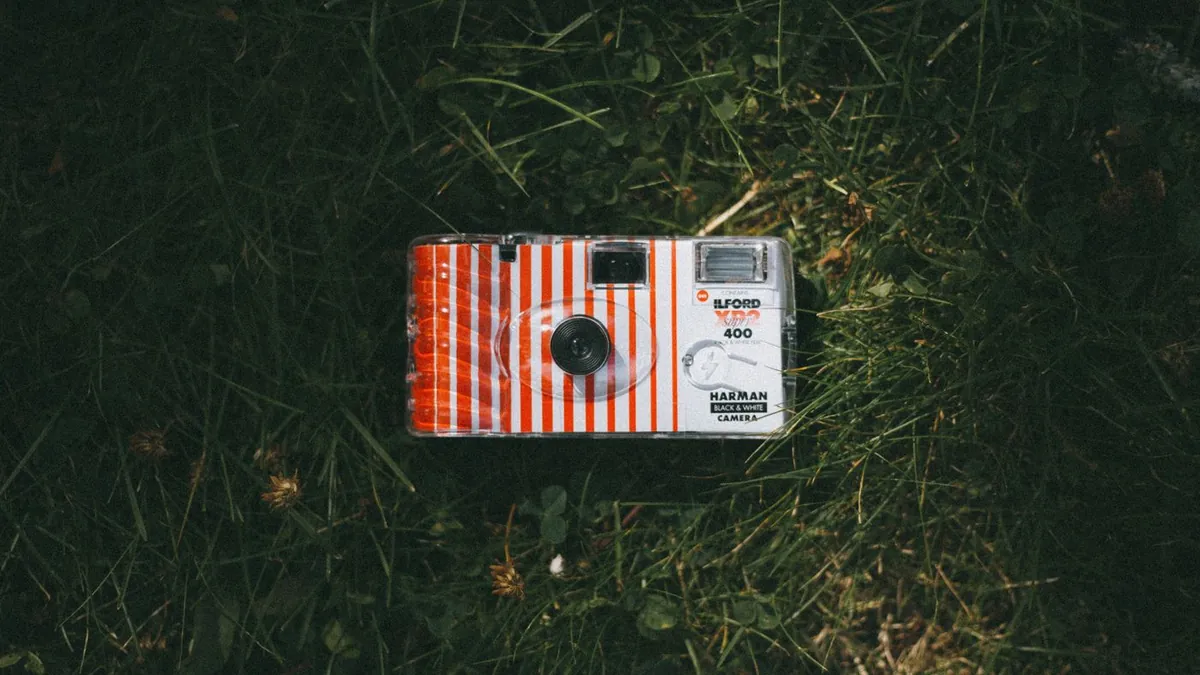
The 90s look is film — warmer, grainier, softer, more faded. The 2000s look is early digital — cooler, sharper, punchier. Both share the hard built-in flash. Our post the disposable-camera aesthetic explained covers the film side.
Presets
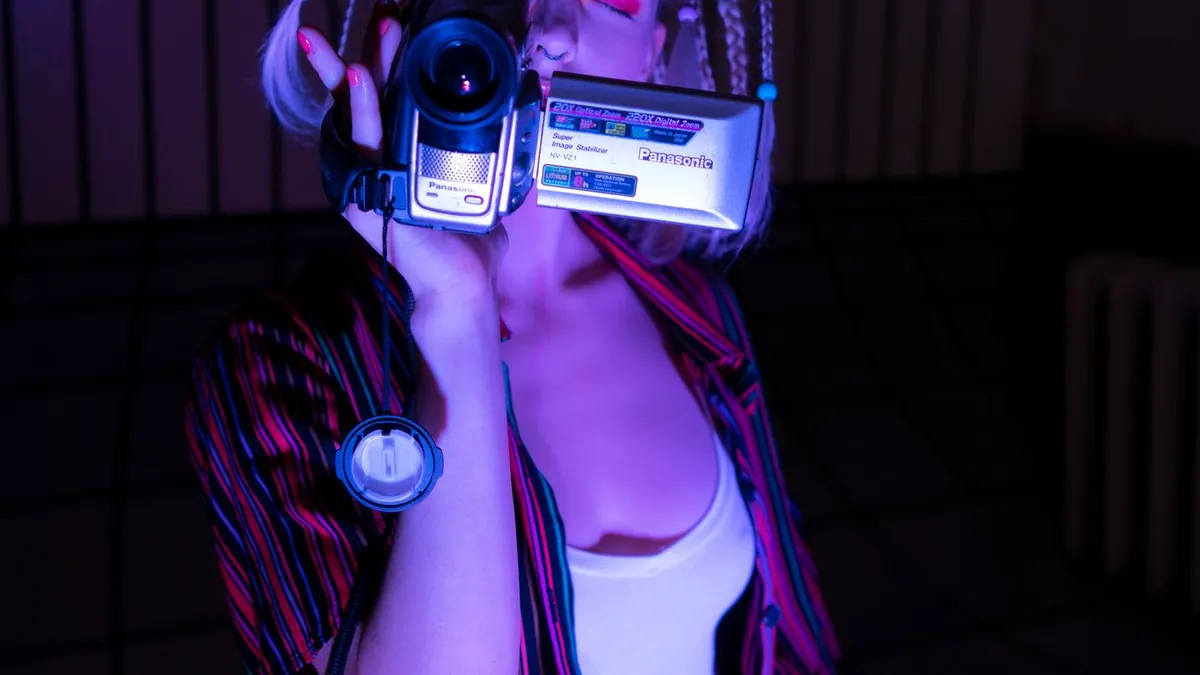
Flash Effect's Distinctive and Sun Vignette styles give the warm 90s snapshot feel; Camera adds the soft window-lit camcorder look for a home-video vibe.
The date stamp
The orange dot-matrix date in the lower-right corner is the single most recognizable 90s marker. Most film-look apps include it as a toggle; if you're editing by hand, a dot-matrix font in a warm orange at low opacity does it.
Related
Make a photo look like film · how to get a vintage photo look.
Why do 90s photos look so warm and faded?
Consumer film from that era, plus decades of dye fading in prints and negatives. Emulating it means adding a warm cast and lifting the blacks so nothing is pure black.