How Do I Get the Flash Photo Effect?
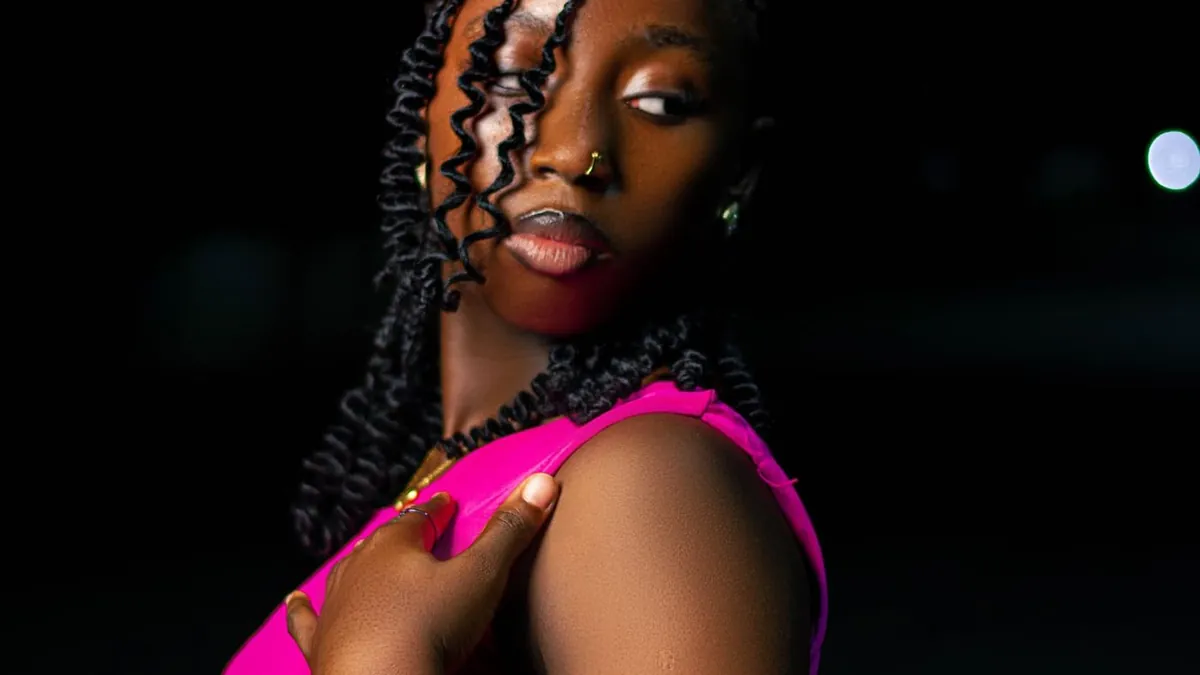
You have two options: shoot it in-camera by firing a direct flash at your subject in a dark room, or restyle a photo you already took with an AI flash-effect tool that relights the subject, darkens the background, and adds the film-grain finish in one step.
What the "flash look" actually is
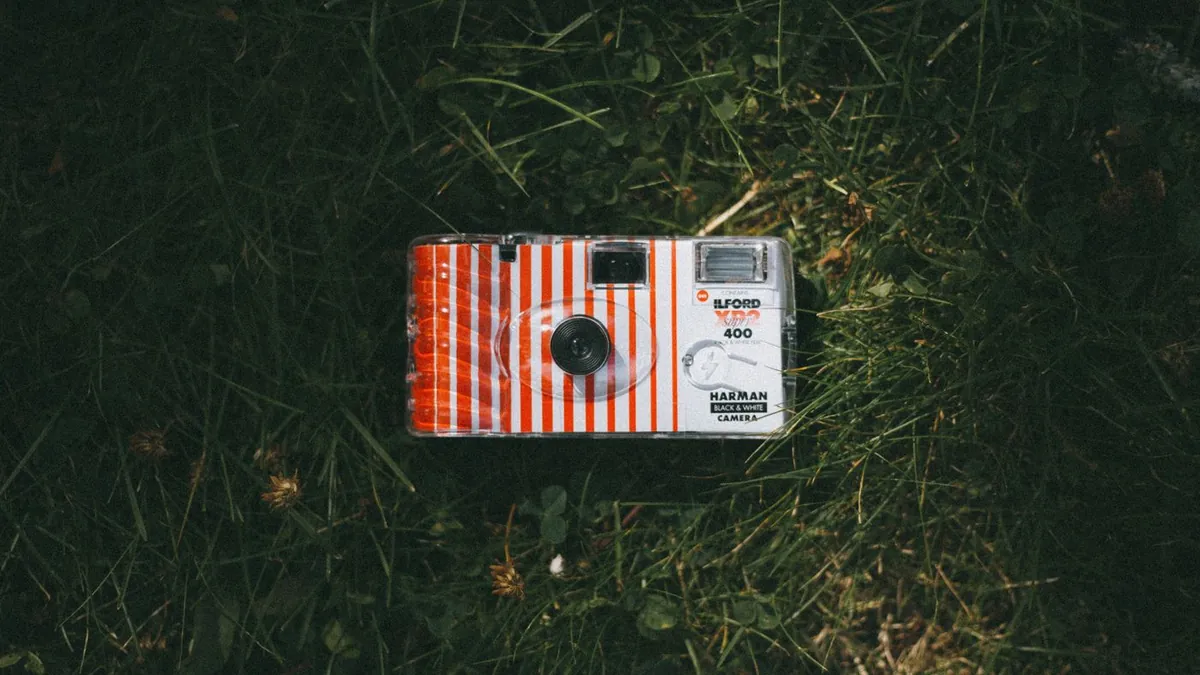
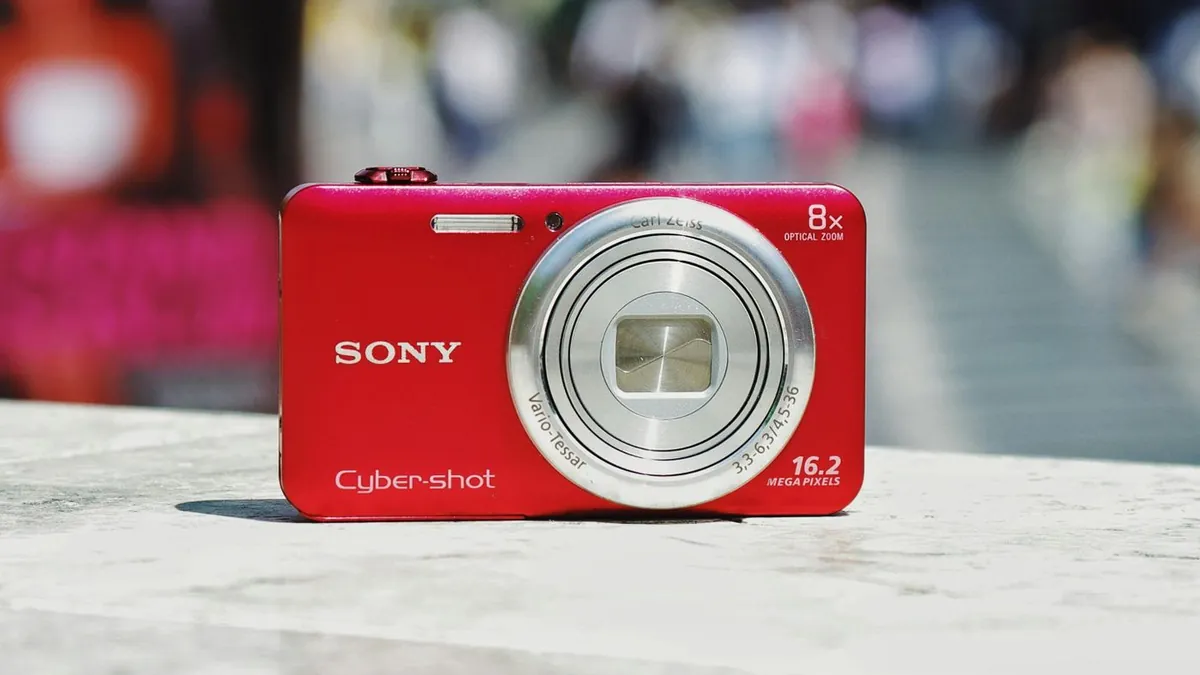
Three things happen at once in a direct-flash photo: a bright, slightly harsh highlight lands on whatever is closest to the camera, the background falls away into darkness because flash light drops off fast, and the whole frame picks up a bit of grain and a cool colour shift. Our explainer on direct flash photography breaks down the optics.
Getting it in-camera
Shoot in a dim room, turn your flash on (not auto), and stand 5–8 feet from your subject so the light has room to spread. Closer than that and you blow out the highlights — see how to use on-camera flash without overexposing.
Getting it from a photo you already have
If the photo was taken in normal light, an AI tool like Flash Effect rebuilds the lighting: it relights your subject with a simulated flash, pushes the background toward black, and applies the grain and colour grade. The Flash and Distinctive styles are the two closest to a classic point-and-shoot.
Which route to choose
Shoot it in-camera when you're planning the photo. Use the AI route when you like a photo you already have and just want the look on it — covered in adding a flash effect to an existing photo.
Does my phone's flash give the same look?
Partly. A phone LED flash is small and low-powered, so you get the bright-subject/dark-background falloff but not the crisp specular highlights of a real xenon flash. Editing or an AI restyle fills in the rest.