How to Turn a Normal Photo Into a Disposable Camera Photo
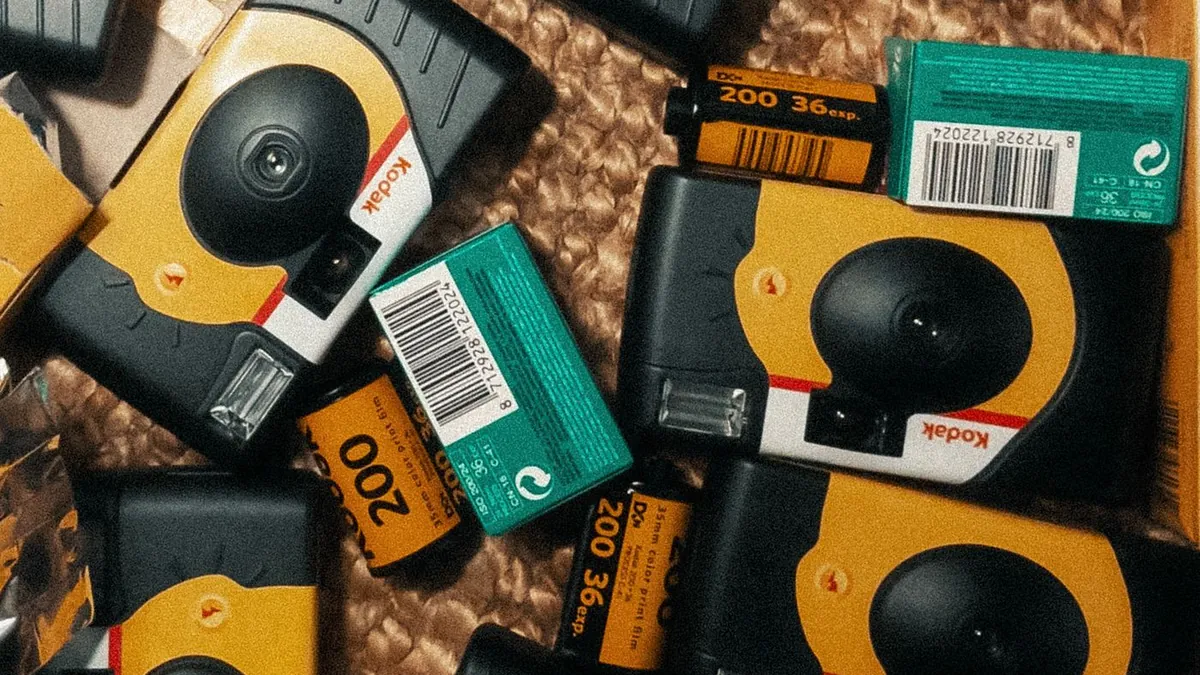
Apply, in order: a hard frontal flash relight, a background darken, coarse grain, a slight blur, clipped highlights, a warm-to-green colour split, and an optional date stamp. A disposable-camera AI preset does all of it in one step from your uploaded photo.
The conversion checklist
- Relight the subject with a hard frontal highlight
- Darken the background, more toward the edges
- Add coarse film grain (25–40%)
- Add a touch of softness / bloom
- Clip the highlights so bright whites lose detail
- Split-tone: warm midtones, greenish shadows
- Optional: orange date stamp, lower-right
One-tap
Flash Effect's Distinctive style is purpose-built for this exact conversion. Upload, tap, done. Compare it against Sun Vignette for a warmer, softer take.
Best source photos
Indoor or night photos of people convert most convincingly, because the dark-background falloff has somewhere to go. A bright outdoor photo fights the look. More in best photo for the flash effect.
Related
The full disposable-camera look · disposable vs. digital.
Should I add the date stamp?
It's the strongest single cue, but it also dates the photo very specifically. Use a real-looking format (e.g. '15 07 04') and keep it subtle.