✦ From an Existing Photo
How to Add Flash to a Photo Without Editing Skills
Quick answer
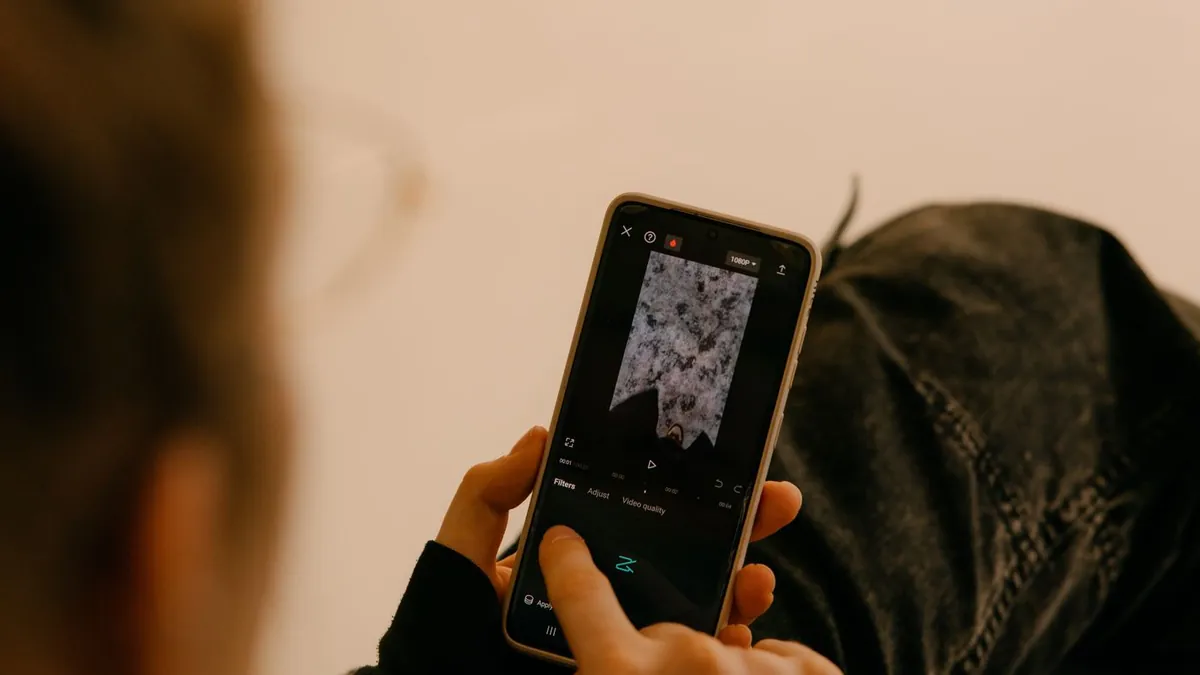
Use an AI flash-effect app. You upload the photo, tap a style, and wait — there's no masking, no layers, and no sliders to learn. The tool relights the photo and returns a finished image you can save.
Why editing this by hand is hard
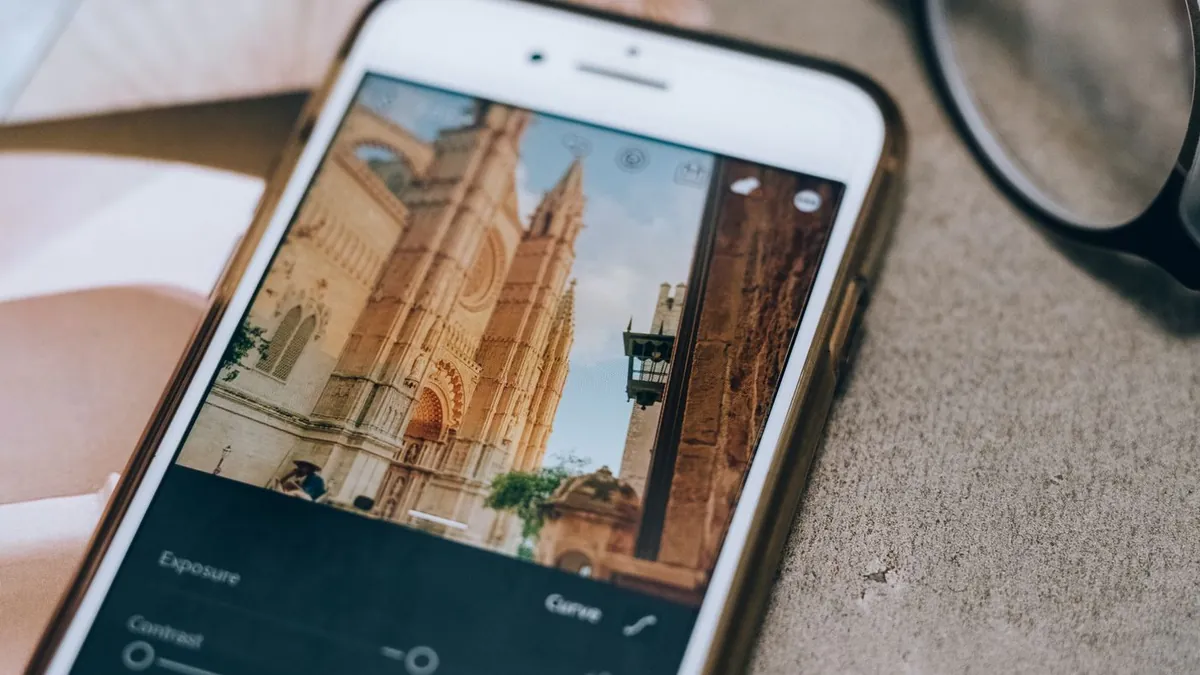
Faking a flash means selecting the subject, relighting it, and building a natural darkness falloff behind it. That's genuinely advanced retouching. The AI route skips all of it.
The entire process
- Open Flash Effect
- Upload one photo
- Tap a style — Flash, Distinctive, G7X, or any of 36
- Wait 20–40 seconds
- Save the result
The one skill that still helps
Picking a good source photo — clear, front-lit, one subject. That's not an editing skill, just knowing what works. See what photo to use and how to pick your best photo for editing.
Related
How long it takes · is there a free option.
Do I need to know what "white balance" or "curves" mean?
No. Those are manual-editing concepts. With a preset you only choose the look you want by its name and example image.