How to Get the Flash Effect on iPhone
To shoot it: open Camera, tap the flash icon to force it On (not Auto), shoot in a dim room from a few feet away. To apply it to an existing photo: use an AI flash-effect app, pick a photo from your camera roll, choose a style, and save the result back to Photos.
Shooting it on iPhone
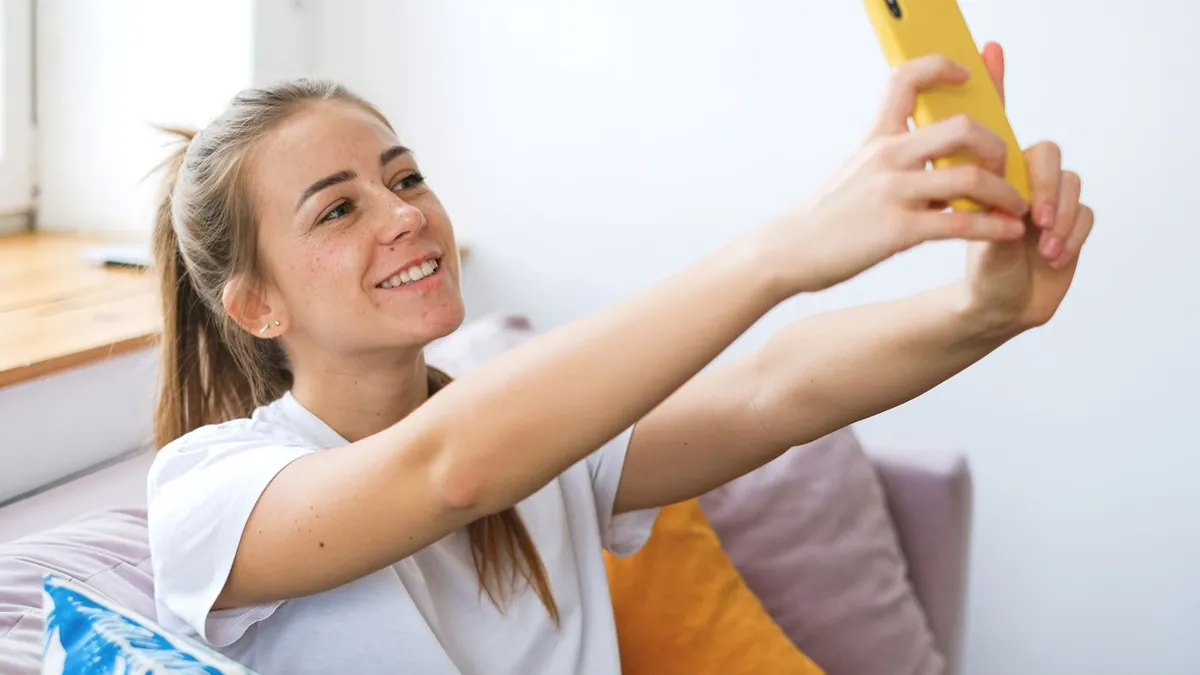
In the Camera app, tap the ⚡ icon and set it to On. Auto often won't fire in a room that's only slightly dim, which is exactly when you want it. Stand 5–8 feet back. For selfies, the screen acts as a Retina Flash. Full detail: how to take flash photos on iPhone.
Applying it to a photo you already have
Open Flash Effect, allow photo access, pick the shot, choose a style (Flash, Distinctive, G7X…), and it saves a new version to your camera roll. HEIC photos work as-is.
iPhone-specific notes
- Turn off any Photographic Styles or filters before shooting a source photo
- Live Photos are fine — the still frame is used
- Portrait-mode photos work but the fake background blur can fight the flash falloff
Related
Same on Android · flash selfie look.
Why won't my iPhone flash fire?
It's set to Auto and the phone thinks there's enough light, or Low Power Mode is limiting it. Force it to On in the Camera app.