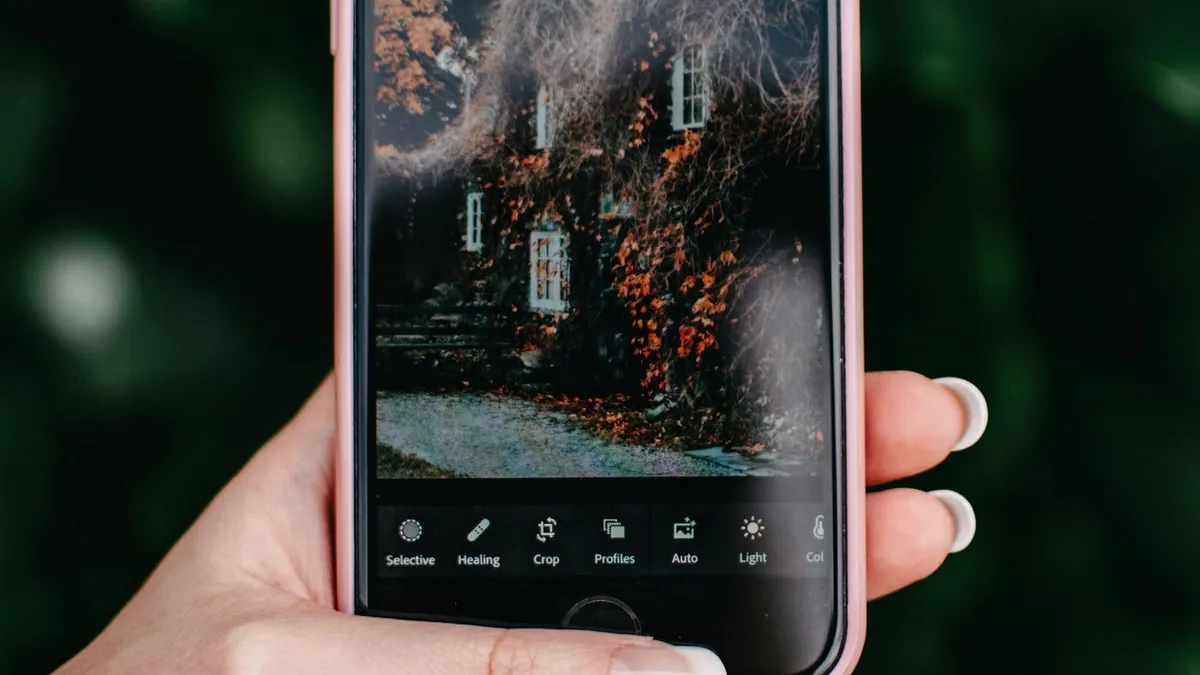
How to Get the Flash Effect on Android
To shoot it: open your camera, set flash to On (not Auto), and shoot in a dim room a few feet from your subject. To apply it to an existing photo: use an AI flash-effect app, pick a photo from your gallery, choose a style, and save the result.
Shooting it on Android
Open the camera, tap the flash icon until it shows On (a filled lightning bolt, not the 'A'). Most Samsung, Pixel and other Android cameras also have a Pro/Manual mode where you can slow the shutter for the club-style motion trails.
Applying it to a gallery photo
Open Flash Effect, grant gallery access, pick the photo, choose a style, and it saves a new image to your Downloads or gallery. Large photos are fine — the app handles resizing.
Android-specific notes
- Turn off any scene-optimizer or beauty filter before shooting a source photo
- If your gallery uses a dark theme, judge photo brightness full-screen, not by the thumbnail
- The process and results are identical to iPhone
Related
Same on iPhone · apps that add flash.
Is there a Flash Effect app for Android?
Yes — Flash Effect is on Google Play as well as the App Store, with the same styles and workflow.