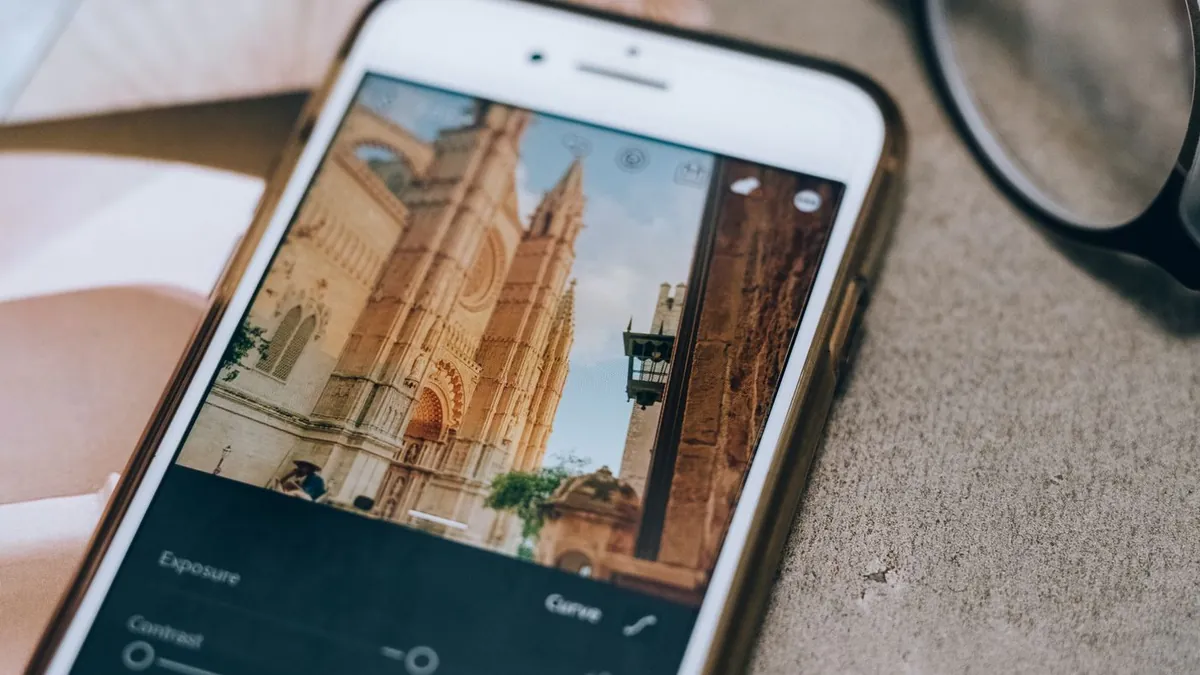
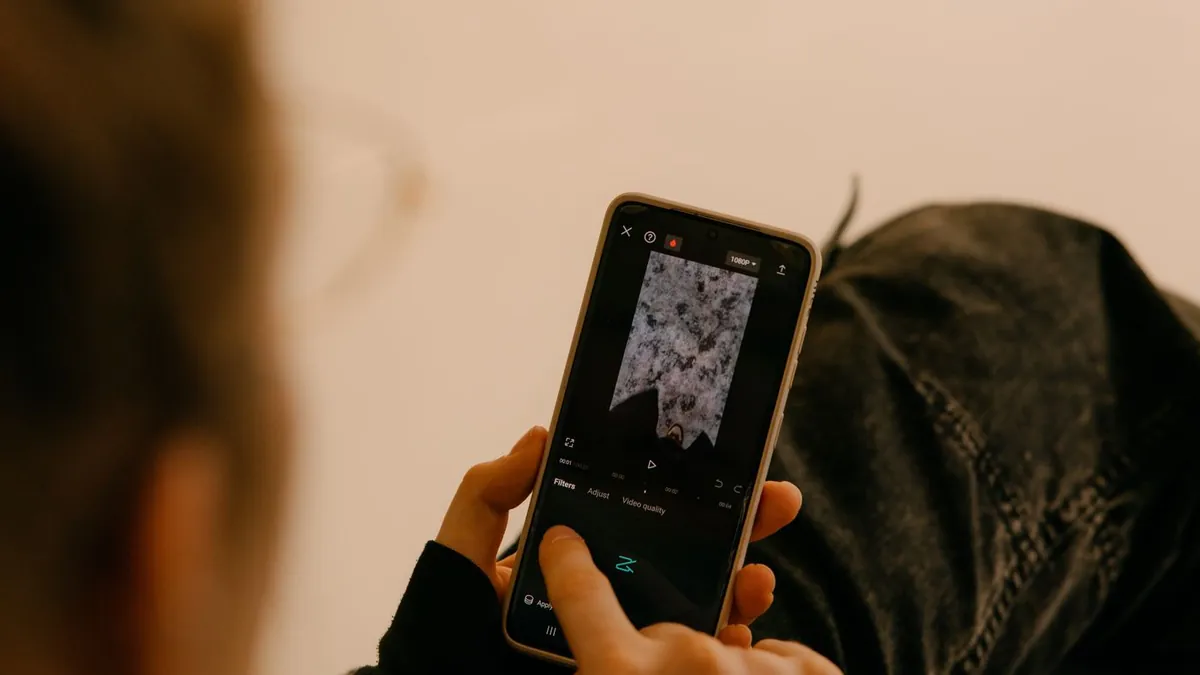
How to Change the Lighting in a Photo With AI
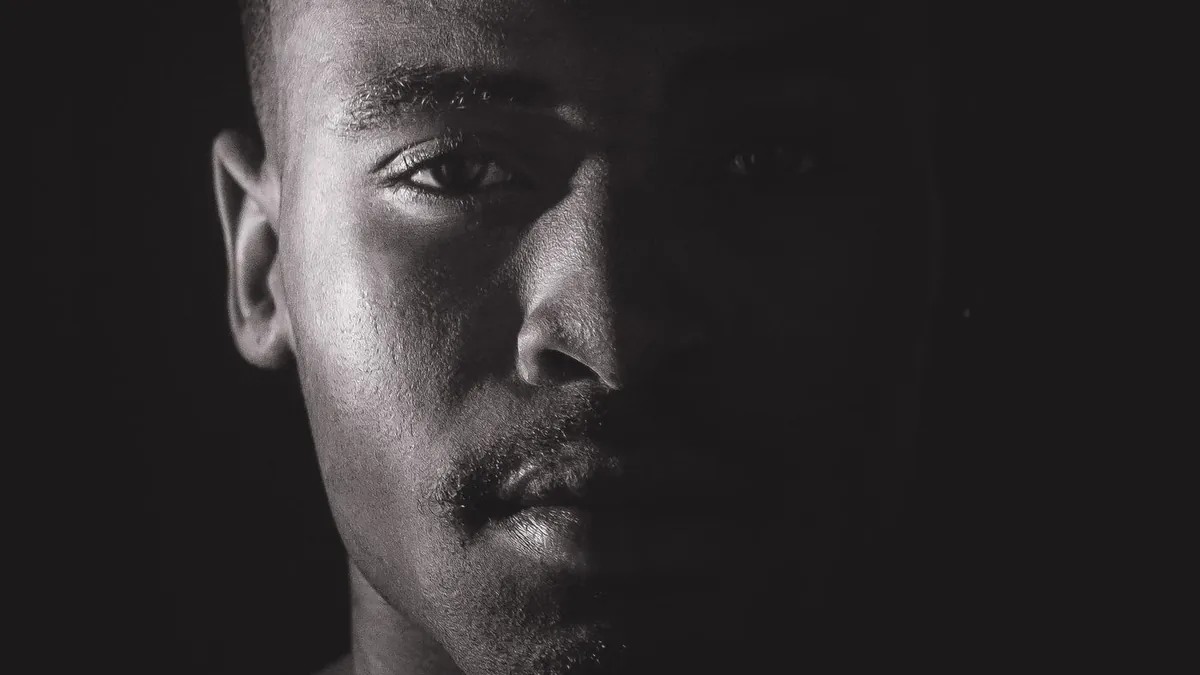
AI relighting models identify the subject and scene geometry, then re-render the image under a new light — a hard flash, warm sunset, cool twilight, or a studio strobe. You upload one photo and pick the target lighting; the model rebuilds highlights, shadows and colour to match.
What the model is doing
It infers a rough 3D sense of the scene — where faces, bodies and surfaces are — then simulates a new light source hitting them, adjusting where highlights fall and where shadows form. It's why the result looks lit rather than filtered.
Lighting targets you can pick
Flash Effect offers this across 36 styles: hard flash (Flash), golden hour (Golden Hour), blue hour (Sun Out), a professional strobe (Luxury Camera), harsh midday sun (Fix Light), and more.
Where it works best
Portraits and single-subject photos. Complex scenes with many light sources and reflective surfaces are harder. An evenly-lit original gives the model the cleanest starting point.
Related
Adding flash after the fact · golden hour tips · blue hour vs. golden hour.
Can AI relighting fix a badly underexposed photo?
It can brighten and re-light the subject, but it can't invent detail that was never captured in pure-black areas. The darker the original, the more the model has to guess.