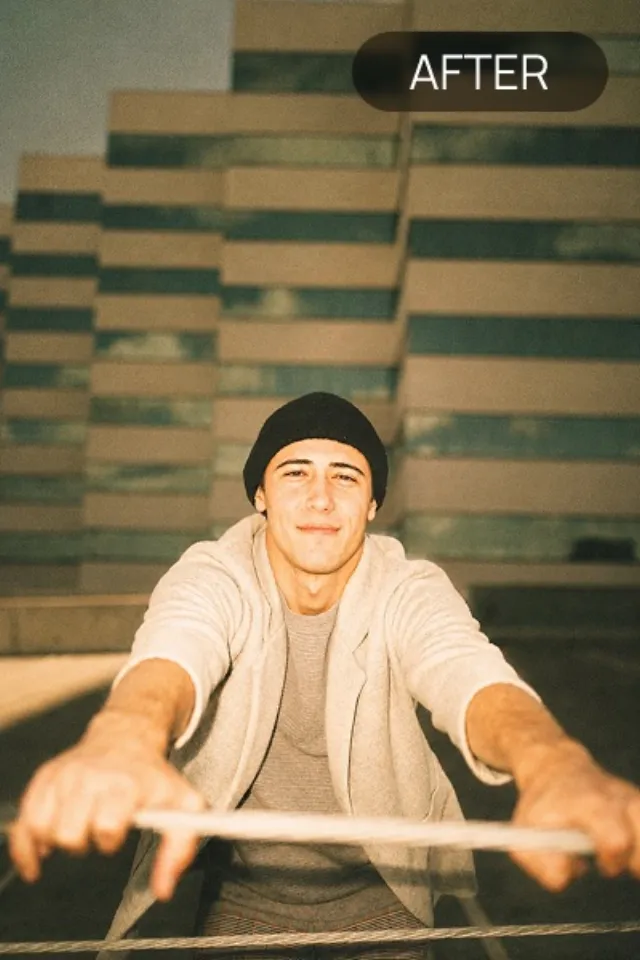
How to Add a Flash Effect to a Photo
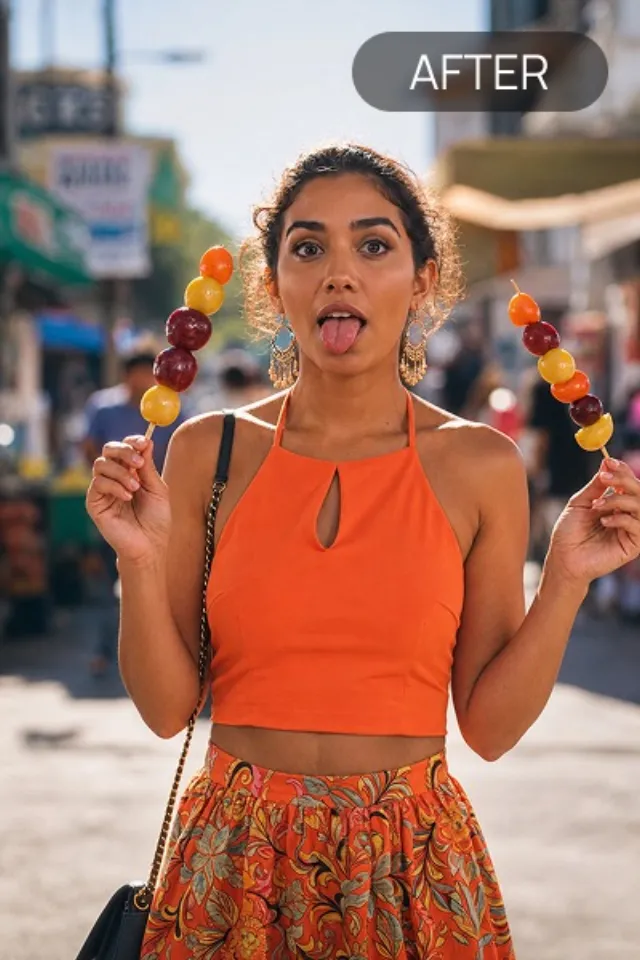
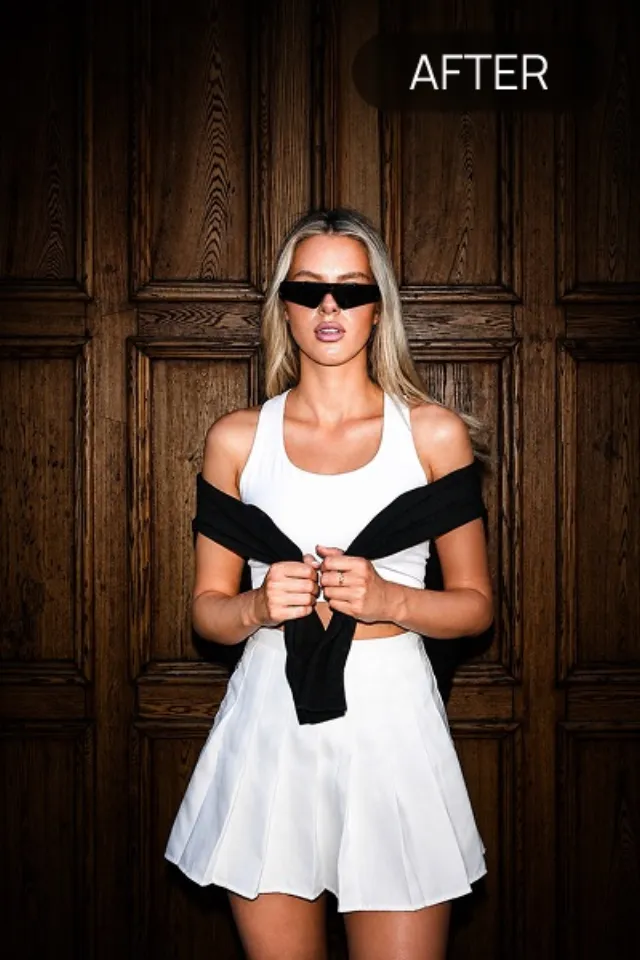
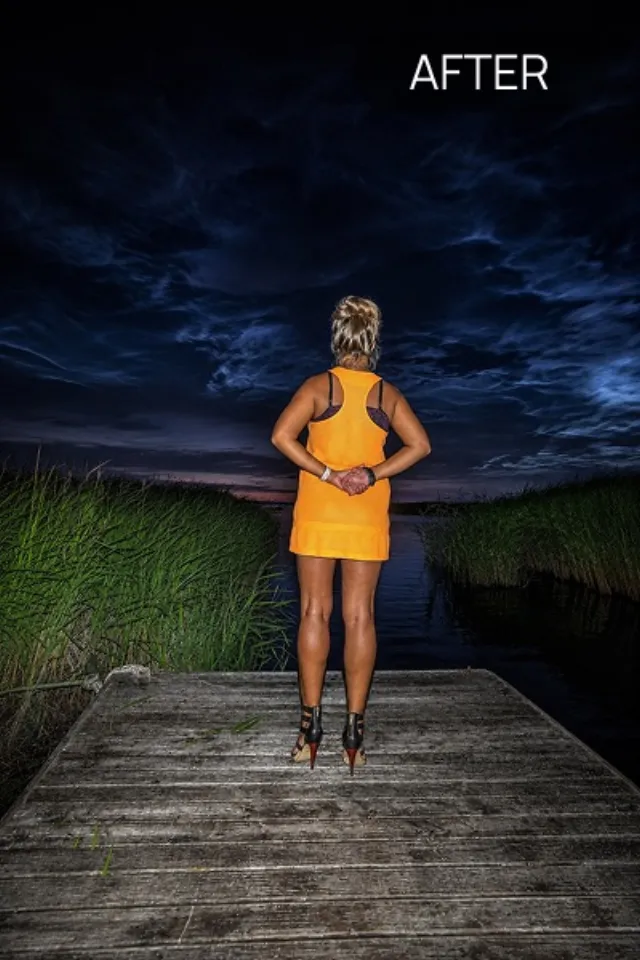
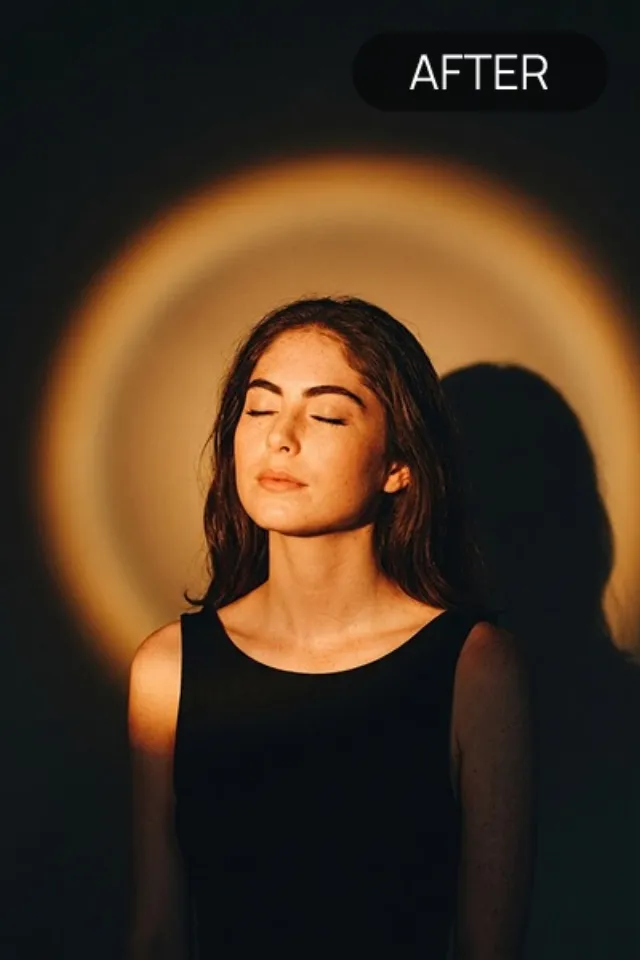
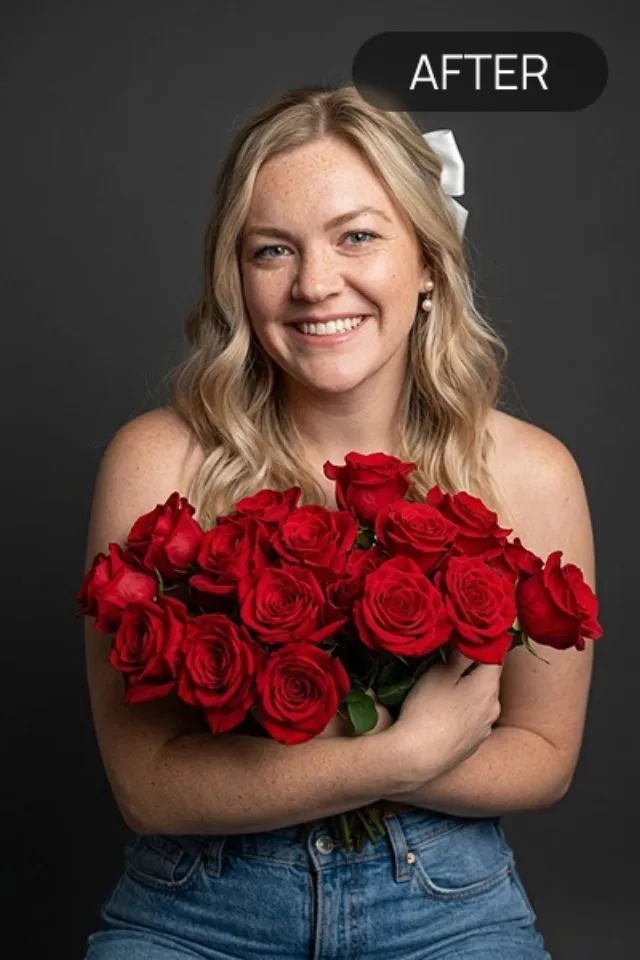
If a photo was taken in normal light but you want the hard-flash look, you're adding three things: a bright frontal highlight, a dark background falloff, and a bit of grain and colour shift.
The manual version
In an editor: raise the exposure and contrast on the subject, pull the background shadows down toward black, cool or shift the white balance slightly, add grain, and clip the highlights a touch. It's fiddly and the falloff is the hard part to fake convincingly.
The one-tap version
A flash-effect app does all of that at once — it detects the subject, relights it with a simulated direct flash, darkens the surroundings, and applies the film or digicam finish. Flash Effect works this way, with dozens of specific looks to pick from.
Start from a clean photo
Whichever route, a sharp, evenly-lit original gives the best result. It's much easier to add harsh flash to a good photo than to rescue a blurry one.
Does adding a flash effect look fake?
Done well, no — the flash look is itself imperfect and harsh, so a convincing simulation doesn't have to be flawless. The giveaways are usually an unnatural cut-out edge on the subject or a background that darkens too evenly.
Can I apply a flash effect to an old photo?
Yes. Since the look is about relighting and finish rather than resolution, older photos restyle fine as long as the subject is reasonably clear.